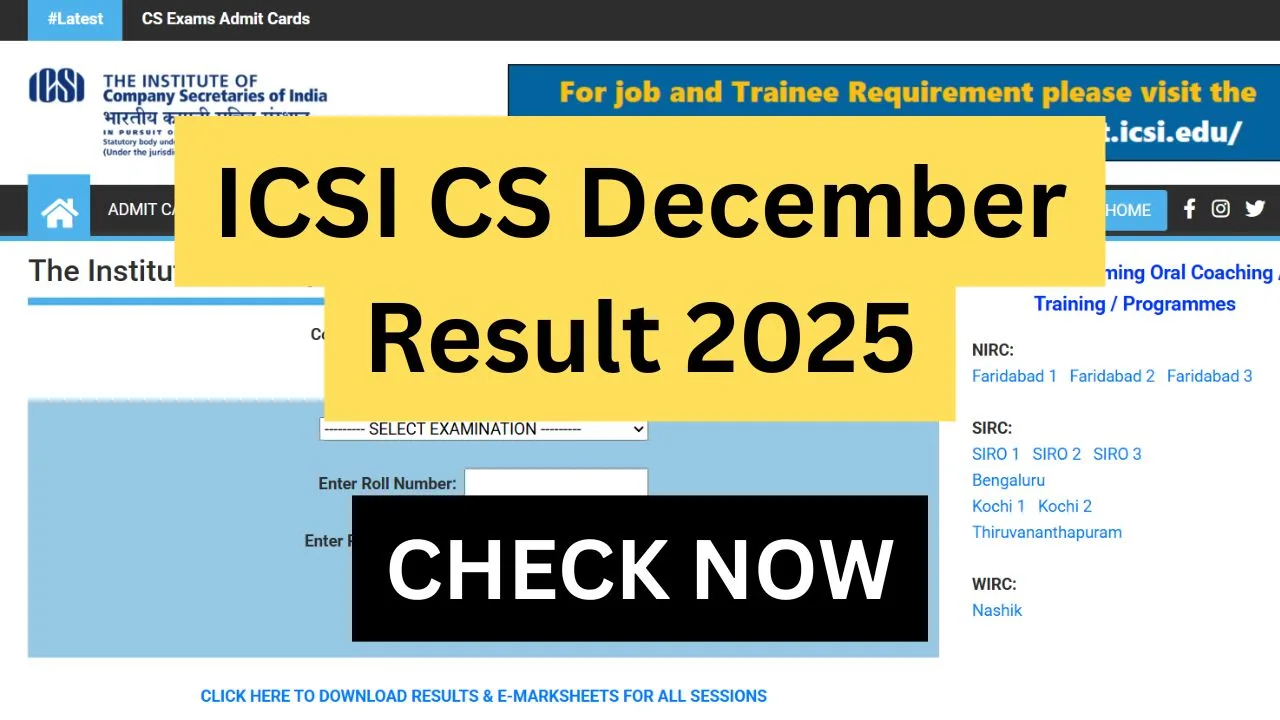
The ICSI CS December 2025 result has been officially announced by the Institute of Company Secretaries of India (ICSI) for the applicants who appeared for the Executive and Professional Programme examinations. The results for the Professional Program were released on 25 February 2026 at 11 AM, followed by the Executive Program results at 2 PM on the same day. Applicants can now access their e-marksheet subject-wise scores and qualifying status directly from the official portal at icsi.edu. The December 2025 session examinations were held from 22 December to 29 December 2025 under the Revised Syllabus 2022. As the new academic cycle approaches, applicants can also check details regarding the upcoming June 2026 exam session scheduled from 1 to 7 June 2026.
ICSI CS December 2025 Exam Overview
| Particulars | Details |
|---|---|
| Exam Conducting Body | The Institute of Company Secretaries of India (ICSI) |
| Exam Name | CS Executive & Professional Programme (December 2025 Session) |
| CS Exam Dates | 22 December to 29 December 2025 |
| Professional Programme Result | 25 February 2026 (11 AM) |
| Executive Programme Result | 25 February 2026 (2 PM) |
| Next Exam Session | 1 June to 7 June 2026 |
| Official Website | https://www.icsi.edu/ |
How to Check ICSI CS December Result Online
Step 1 > Go to the official website of the Institute of Company Secretaries of India at icsi.edu and click on the link titled “CS Professional December 2025 Result.”
Step2 > Enter your Roll Number along with the 17-digit Registration Number on the login page and enter your Roll Number along with the 17-digit Registration Number on the login page.
Step 3 > Select the ‘Submit’ or ‘Login’ button to proceed and view your ICSI CS December Result, which will display subject-wise scores and overall pass status.
Step 4 > Download and save the e-marksheet for future academic and professional use.
Details Printed on the ICSI CS Result Scorecard
The ICSI E-Marksheet 2025 provides a summary of the applicants’ performance in the December 2025 session, which includes the applicant’s full name, roll number, 17-digit registration number, examination program (Executive/Professional), subjects appeared, marks obtained in each subject, maximum marks, total aggregate marks, qualifying status (Pass/Fail), and result declaration date.
Who Qualifies? Minimum Marks Required
| Criteria | Required Marks |
|---|---|
| Minimum marks in each subject | 40% |
| Minimum aggregate marks | 50% |
Upcoming June 2026 Examination Session
| Event | Date |
|---|---|
| Next Exam Session | 1 June – 7 June 2026 |
| Registration Window | To be announced |
| Exam Form Submission | To be notified |
| Admit Card Release | Expected in May 2026 |
Frequently Asked Questions (FAQs)
Q1. When was the ICSI CS December 2025 result declared?
Ans. The Professional Programme result was declared on 25 February 2026 at 11 AM, while the Executive Programme result was published on the same day at 2 PM.
Q2. How can I check my ICSI CS result 2025?
Ans. You can download the result by visiting icsi.edu, selecting the relevant result link, and entering your roll number and 17-digit registration number.
Important Links
| Description | Link |
|---|---|
| Apply Online (June 2026 Session) | Click Here |
| Official Website | https://www.icsi.edu/ |
| WhatsApp Group | Click Here |
| Telegram Group | Click Here |